


DNX9980 Relocated Into stock navi position


 DNX9980 Relocated Into stock navi position
Hi Guys,
I have had this concept in mind for some time now. Finally got around to building it and getting it tested.
I wanted to use DNX9980 and the stock unit together to get an oem like set up but with more functionality.
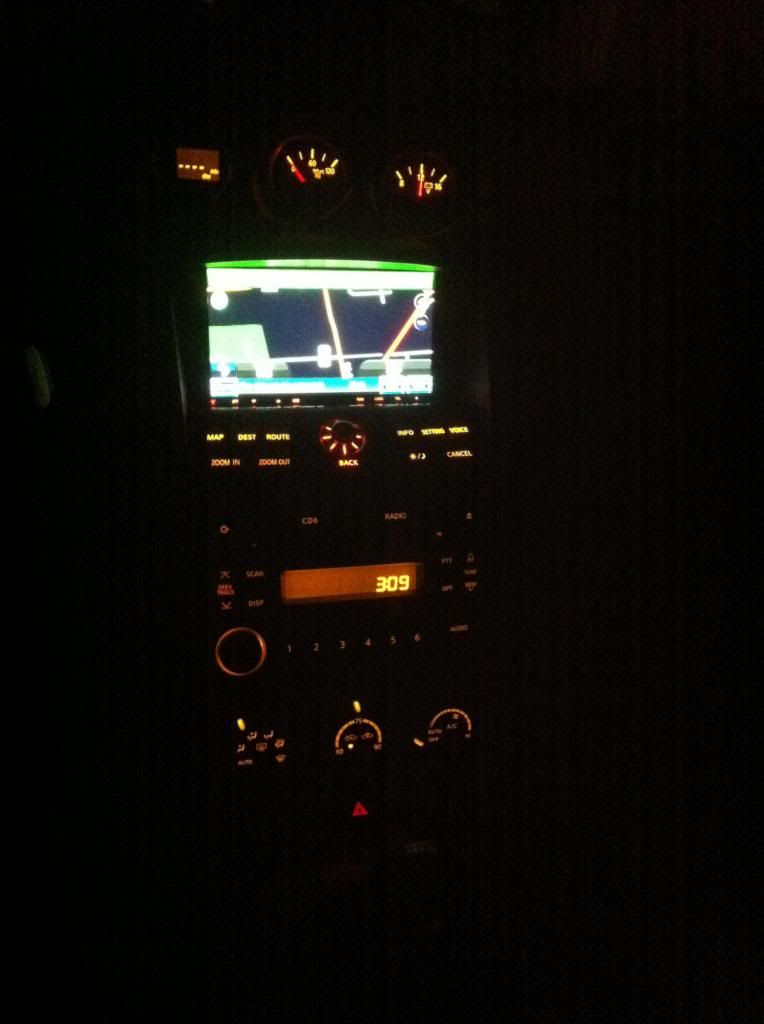
This was the result
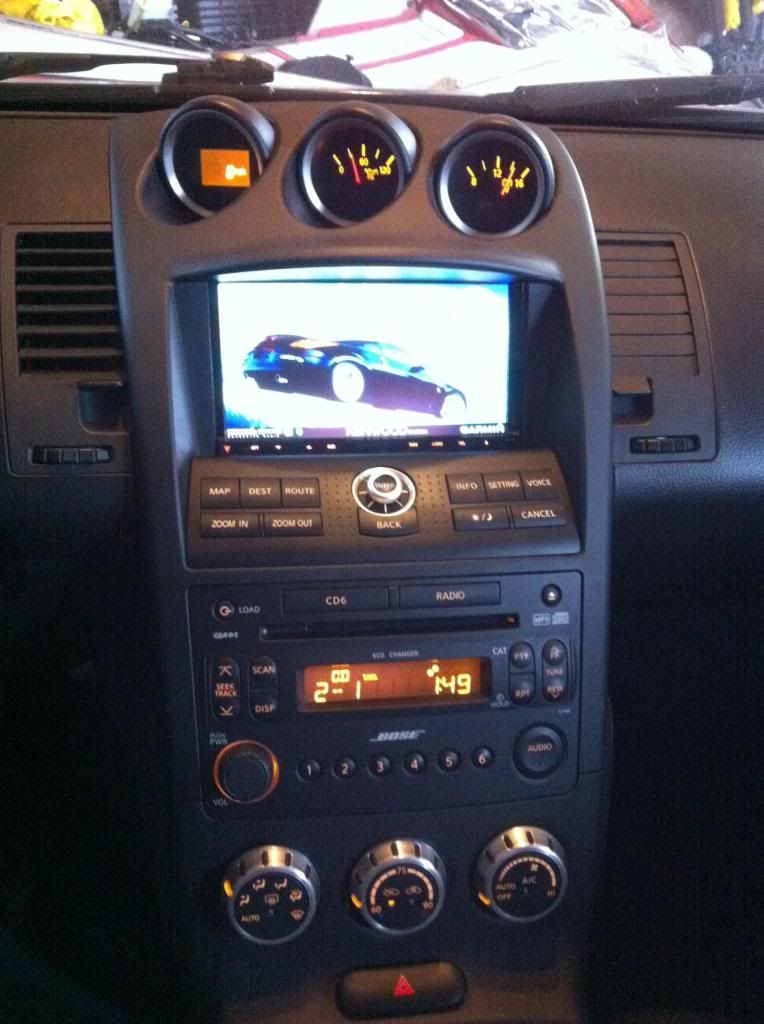
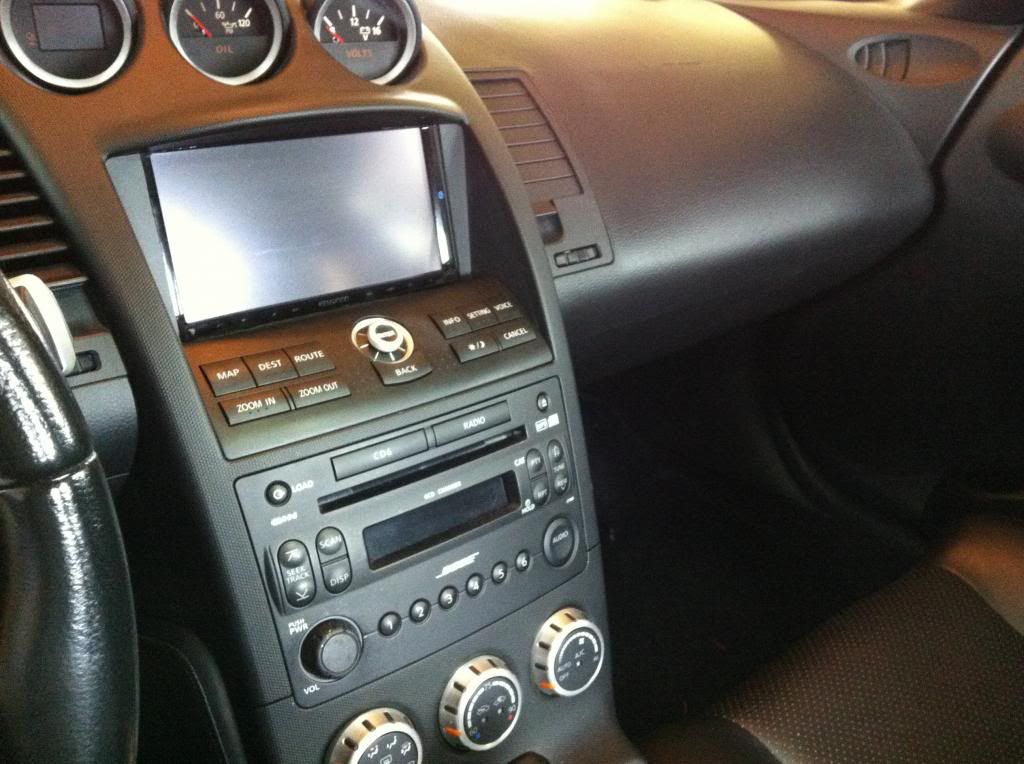
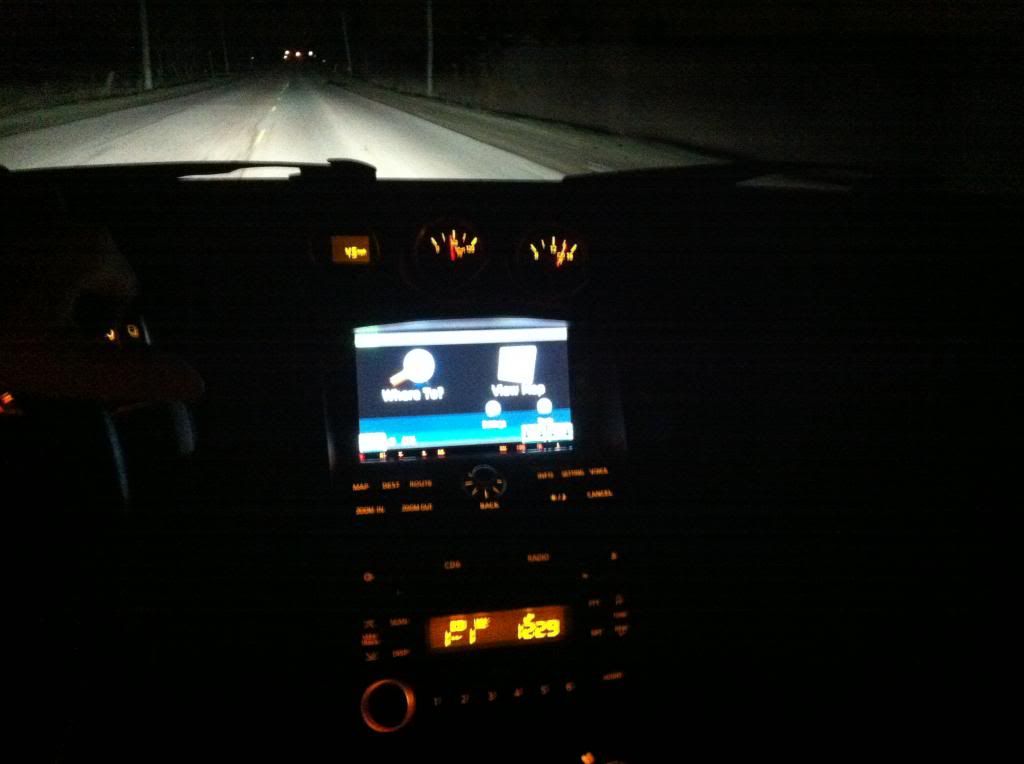
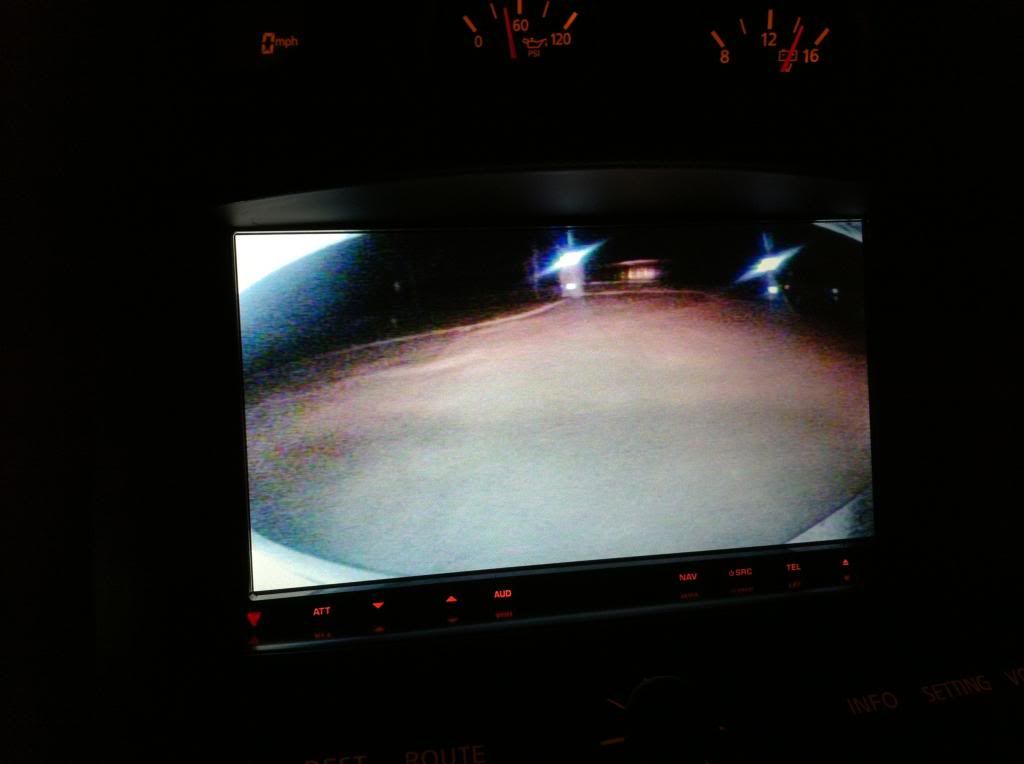
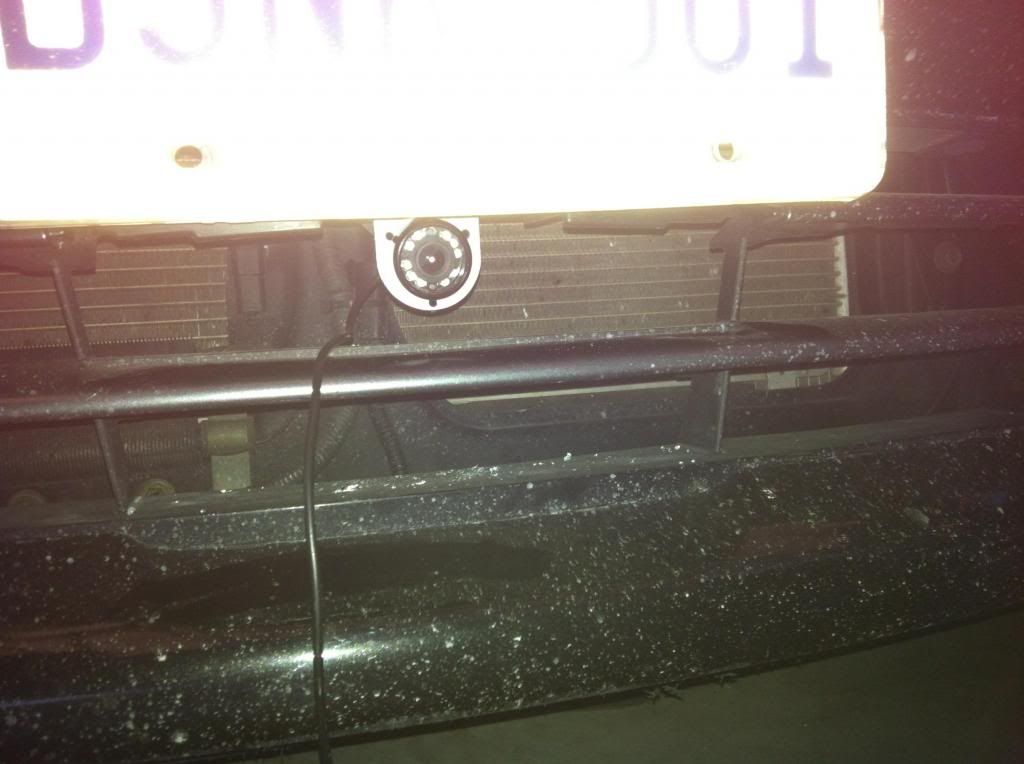
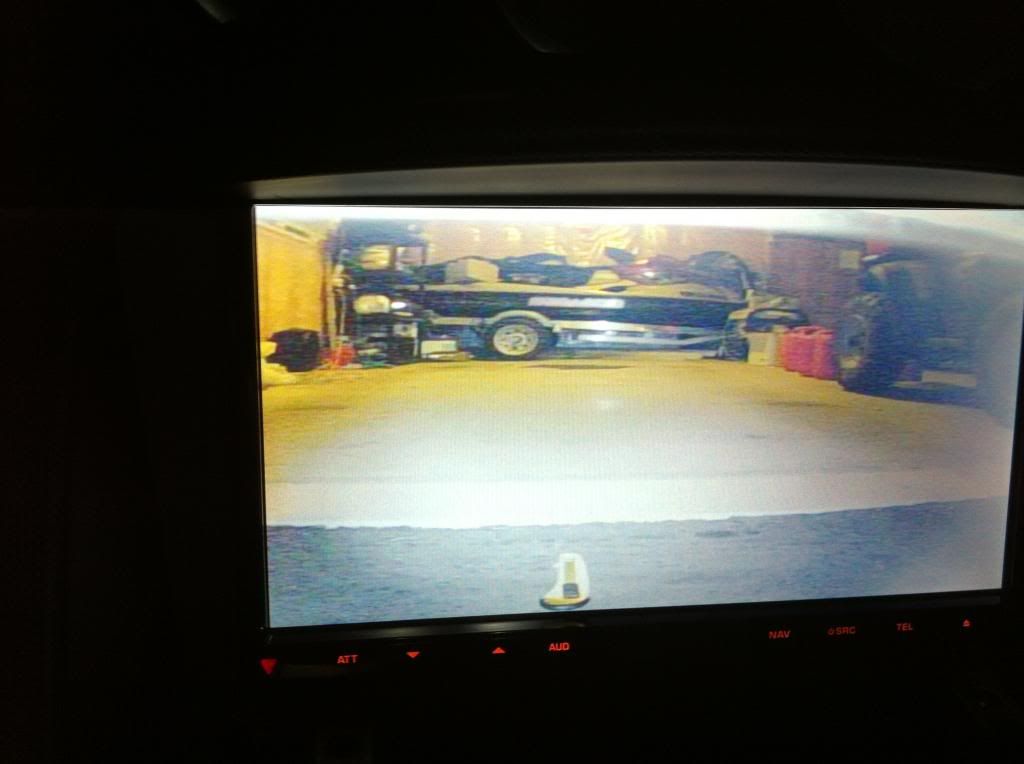
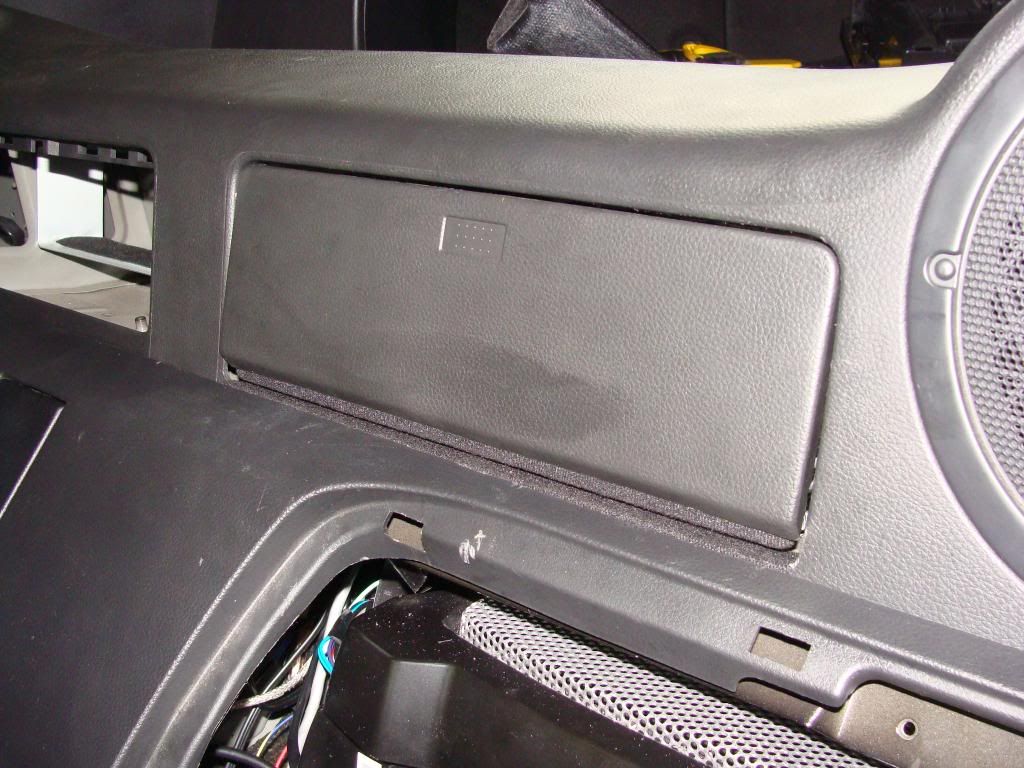
Some progress pics
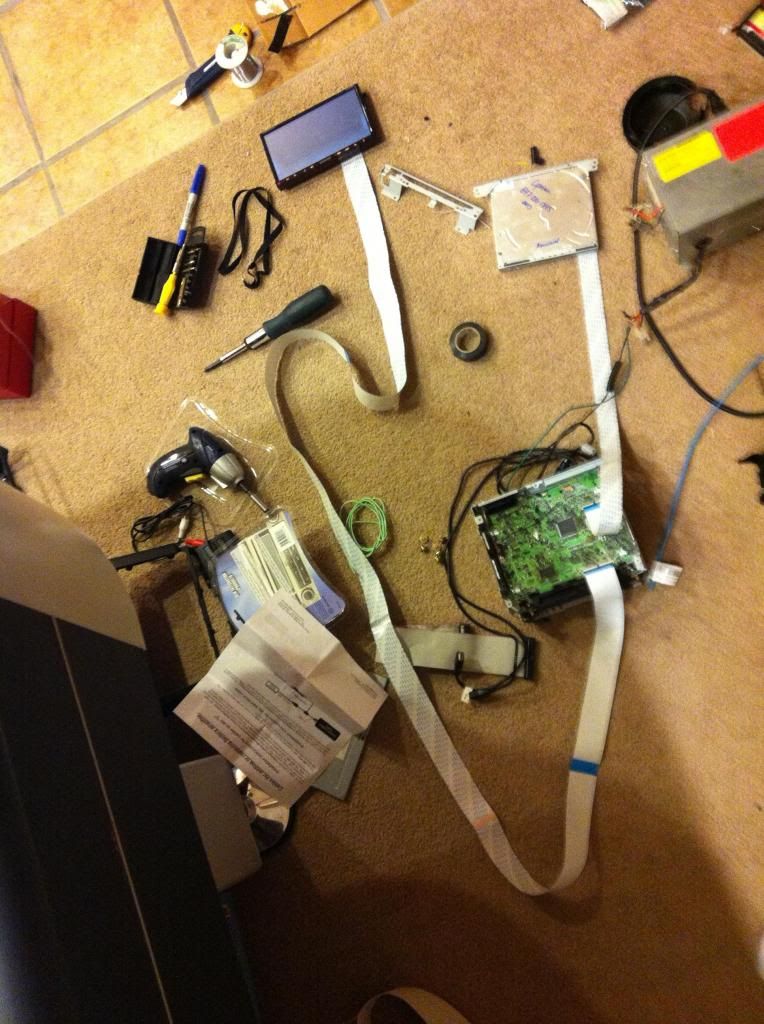
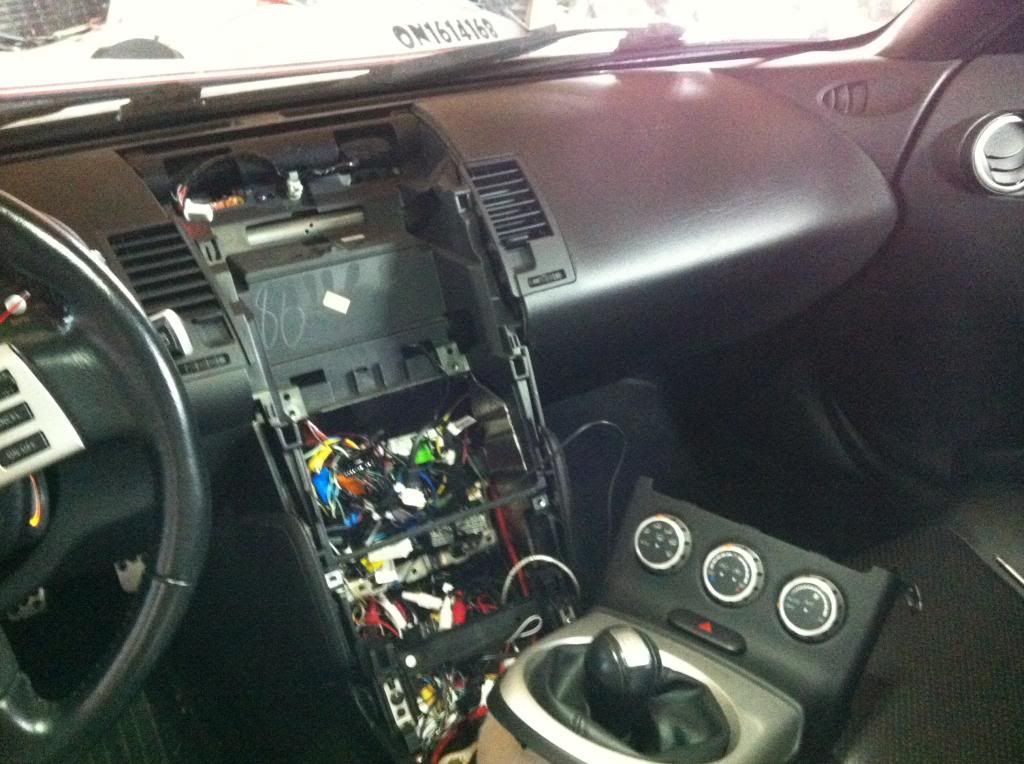
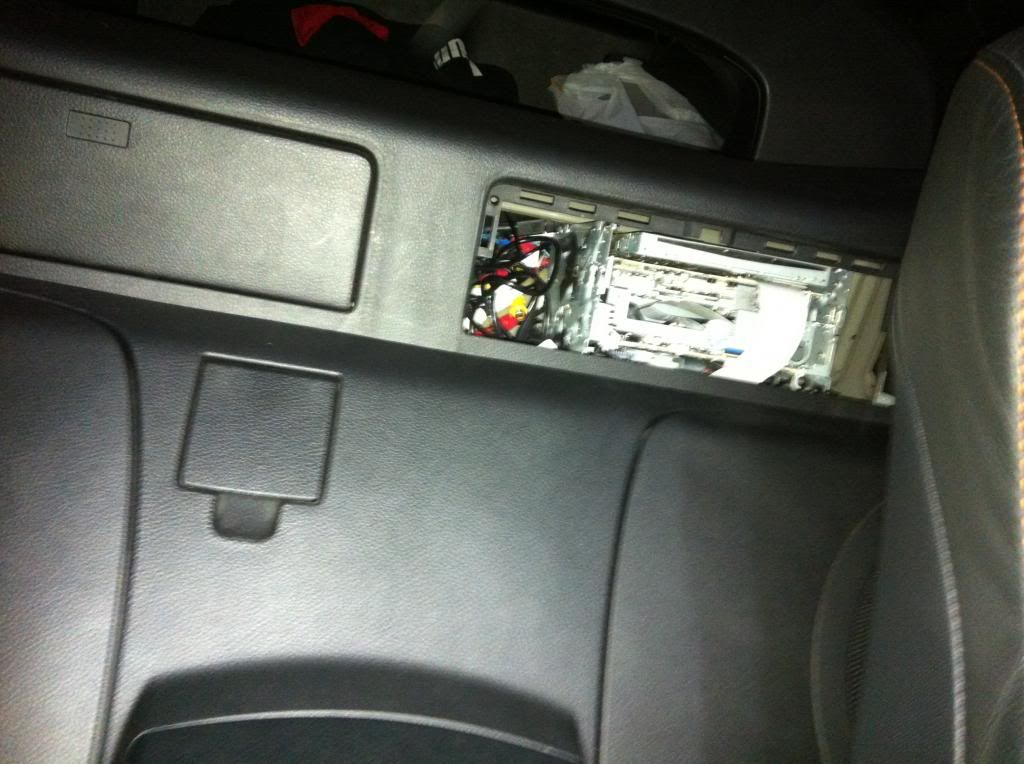
I can do a more comprehensive write up if people would like to see what is involved. Its not too pricey, but involves taking a lot of parts apart and rewiring quite a bit on the stock units.
I have to finish the stock controls so they transfer to the Kenwood unit, i have most of them pinned out just waiting on some ffc cables.
Basics of system
- Kenwood DNX9980 main system
- Oem cd changer headunit uses pac module audio out to enter as AUX1 into DNX9980, stock volume **** still works.
- AM/FM antenna Y splitter to share shortie antenna signal
- steering wheel controls go to DNX9980 only
- Sirius XM, garmin navigation, reverse camera, front camera, ipod, iphone, usb, bluetooth, pandora, etc stock DNX features fully functional.
- Nissan nav main controls connected to kenwood remote chip to send signal via IR led under screen (this makes the nav controls functional).
- Rear cubby turned into an automatic flip up/down cover for CD/SD card access
Thoughts on the progress so far ? More pics to follow as I download them off cameras, iphone, etc.
I have had this concept in mind for some time now. Finally got around to building it and getting it tested.
I wanted to use DNX9980 and the stock unit together to get an oem like set up but with more functionality.
This was the result


Some progress pics


I can do a more comprehensive write up if people would like to see what is involved. Its not too pricey, but involves taking a lot of parts apart and rewiring quite a bit on the stock units.
I have to finish the stock controls so they transfer to the Kenwood unit, i have most of them pinned out just waiting on some ffc cables.
Basics of system
- Kenwood DNX9980 main system
- Oem cd changer headunit uses pac module audio out to enter as AUX1 into DNX9980, stock volume **** still works.
- AM/FM antenna Y splitter to share shortie antenna signal
- steering wheel controls go to DNX9980 only
- Sirius XM, garmin navigation, reverse camera, front camera, ipod, iphone, usb, bluetooth, pandora, etc stock DNX features fully functional.
- Nissan nav main controls connected to kenwood remote chip to send signal via IR led under screen (this makes the nav controls functional).
- Rear cubby turned into an automatic flip up/down cover for CD/SD card access
Thoughts on the progress so far ? More pics to follow as I download them off cameras, iphone, etc.


Registered User
Joined: Oct 2011
Posts: 172
Likes: 2
From: OC-CA
That's crazy! ...nice work. I thought about somehow mounting the cage in there to slide the entire unit but i'm not sure how well the plastic would hold the weight.
Can you please explain the Kenwood remote chip ?
Can you please explain the Kenwood remote chip ?
Last edited by goracerx; May 16, 2013 at 10:28 PM.
Remote is also done so the panel works. Check the video below.
Basically the 350z control buttons are hooked up to the kenwood remote and then the ir sensor is just under the nav unit sending the signals. Im not gonna lie, it was a real PITA to solder it all out and rewire everything, redo the lighting on the panel. But i kept all of the wiring schematics for later or if anyone needs them. It also needed a voltage drop circuit to power the kenwood remote at 3.0v. All worth it in the end when it came together

My finished Kenwood relocation with working button controls (IR sending unit)



Videos
Control Panel Buttons Demo
http://s32.photobucket.com/user/linu..._6879.mp4.html
Automated Rear Tilting Tray
https://www.facebook.com/video/embed...52797876165510


Videos
Control Panel Buttons Demo
http://s32.photobucket.com/user/linu..._6879.mp4.html
Automated Rear Tilting Tray
https://www.facebook.com/video/embed...52797876165510
Last edited by Linuxglobal; Jun 3, 2013 at 12:48 AM.

Thread
Thread Starter
Forum
Replies
Last Post