Notices
350Z Roadster General discussion for the 350Z Roadster

Gauge Cluster Switches

Thread Tools
 
Search this Thread
 
Old Feb 18, 2019 | 02:04 PM
  #1  
neilca's Avatar
neilca
Thread Starter
New Member
 
Joined: Oct 2015
Posts: 48
Likes: 3
From: Marietta, GA
Default Gauge Cluster Switches

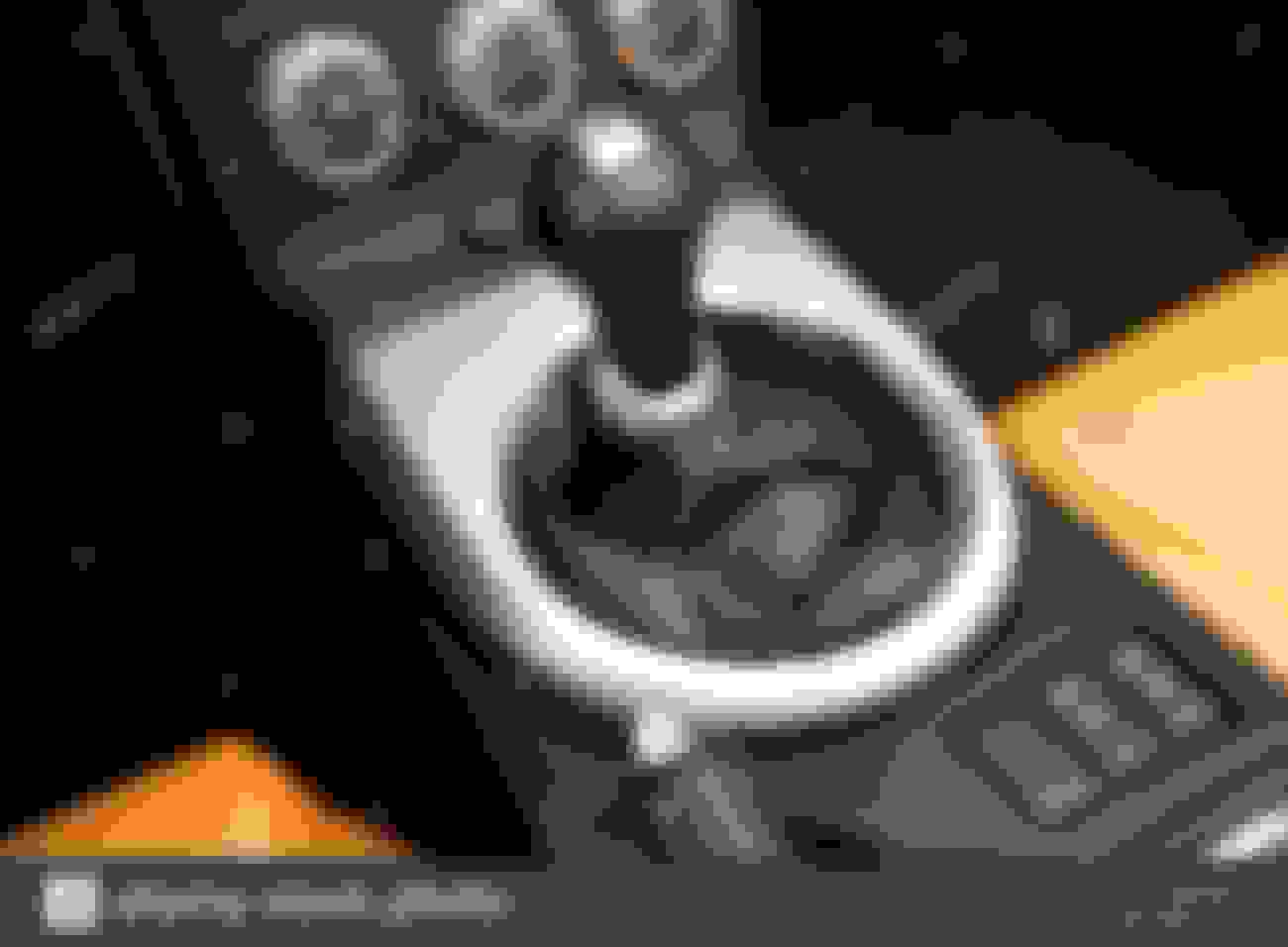
I have a 2008 grand touring 350z. I want to install some fog lights but struggling with where to put the switch. I was looking at using the switch on the lower right side of the gauge cluster. It doesn't seem to have a function. The upper one on the right side changes the display in the left center gauge on the dash. Does the lower switch have a function? Any other suggestions on locating a switch to turn off the lights?
Reply
Old Feb 19, 2019 | 03:33 AM
  #2  
karlt's Avatar
karlt
New Member
 
Joined: Dec 2008
Posts: 259
Likes: 56
From: Williamsville, NY
Default

Owner's Manual.
Reply
Old Feb 19, 2019 | 05:40 AM
  #3  
neilca's Avatar
neilca
Thread Starter
New Member
 
Joined: Oct 2015
Posts: 48
Likes: 3
From: Marietta, GA
Default

Originally Posted by neilca
I have a 2008 grand touring 350z. I want to install some fog lights but struggling with where to put the switch. I was looking at using the switch on the lower right side of the gauge cluster. It doesn't seem to have a function. The upper one on the right side changes the display in the left center gauge on the dash. Does the lower switch have a function? Any other suggestions on locating a switch to turn off the lights?
Any suggestions on alternative locations?
Reply
Old Feb 20, 2019 | 04:10 AM
  #4  
Freise's Avatar
Freise
New Member
 
Joined: Jan 2015
Posts: 152
Likes: 32
From: Pennsylvania
Default

https://www.aironboard.com/online/pu...een-amber.html
If it were me I'd replace the blank for the switch, it'd look as close to stock as you could get

Reply
Old Feb 22, 2019 | 03:39 PM
  #5  
neilca's Avatar
neilca
Thread Starter
New Member
 
Joined: Oct 2015
Posts: 48
Likes: 3
From: Marietta, GA
Default

Originally Posted by Freise
https://www.aironboard.com/online/pu...een-amber.html
If it were me I'd replace the blank for the switch, it'd look as close to stock as you could get

I like it, not sure that switch will work. Thanks.
Reply
Old Feb 22, 2019 | 04:39 PM
  #6  
Freise's Avatar
Freise
New Member
 
Joined: Jan 2015
Posts: 152
Likes: 32
From: Pennsylvania
Default

The switch I linked is more or less an exact fit to that location, not sure if that is was you meant by "not sure that switch will work," or if you just had something different in mind.
Either way, here is another thread with more info:
https://my350z.com/forum/exterior-an...eat-slots.html
Reply
Old Feb 22, 2019 | 05:01 PM
  #7  
neilca's Avatar
neilca
Thread Starter
New Member
 
Joined: Oct 2015
Posts: 48
Likes: 3
From: Marietta, GA
Default

Originally Posted by Freise
The switch I linked is more or less an exact fit to that location, not sure if that is was you meant by "not sure that switch will work," or if you just had something different in mind.
Either way, here is another thread with more info:
https://my350z.com/forum/exterior-an...eat-slots.html
I think it means I lack imagination. At first glance I didn't think it would fit as advertised but I looked again and I think this is a great find. However, you have now unleashed my imagination and I found this!
https://www.aironboard.com/online/pu...een-amber.html

: D
Reply
Old Feb 24, 2019 | 04:01 AM
  #8  
Cux350z's Avatar
Cux350z
hatersgonnahate
Premier Member
20 Year Member
Liked
Loved
Community Favorite
iTrader: (162)
 
Joined: Apr 2005
Posts: 15,390
Likes: 1,085
From: Greenville, SC
Default

those switches should also fit on the driver side lower dash (where the TCS/VDC and gas door buttons are)
Reply
Related Topics
Thread
Thread Starter
Forum
Replies
Last Post
SIX
Audio & Video
5
Jun 14, 2004 02:14 PM
dobbuster
2003-2009 Nissan 350Z
14
Jan 16, 2003 11:23 PM
Chebosto
2003-2009 Nissan 350Z
1
Sep 4, 2002 03:40 AM


All times are GMT -8. The time now is 10:37 PM.