


reverse camera install question


Thread Starter
Registered User
iTrader: (20)
Joined: Aug 2006
Posts: 567
Likes: 0
From: Paradise Valley, AZ
 reverse camera install question
i purchased this off ebay...
http://cgi.ebay.com/ws/eBayISAPI.dll...MEWN:IT&ih=011
im installing it right now and i notice it doesnt come with a "brain" like most cams. is it ok to hook it up directly to the car's power? ive got the deck's reverse wire already tapped into the cars reverse wire but i dont wanna hook up the cam and burn it up. it says 12volt 300MA reccommended. can anyone help me?
http://cgi.ebay.com/ws/eBayISAPI.dll...MEWN:IT&ih=011
im installing it right now and i notice it doesnt come with a "brain" like most cams. is it ok to hook it up directly to the car's power? ive got the deck's reverse wire already tapped into the cars reverse wire but i dont wanna hook up the cam and burn it up. it says 12volt 300MA reccommended. can anyone help me?

Thread Starter
Registered User
iTrader: (20)
Joined: Aug 2006
Posts: 567
Likes: 0
From: Paradise Valley, AZ
ok its not working. i have the deck's reverse wire connected to the Z's reverse wire. and then i have a wire running from there connecting the camera. the camera is grounded and the video cable is plugged in. what do you think could be wrong?



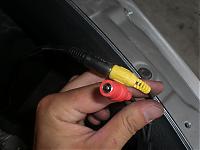
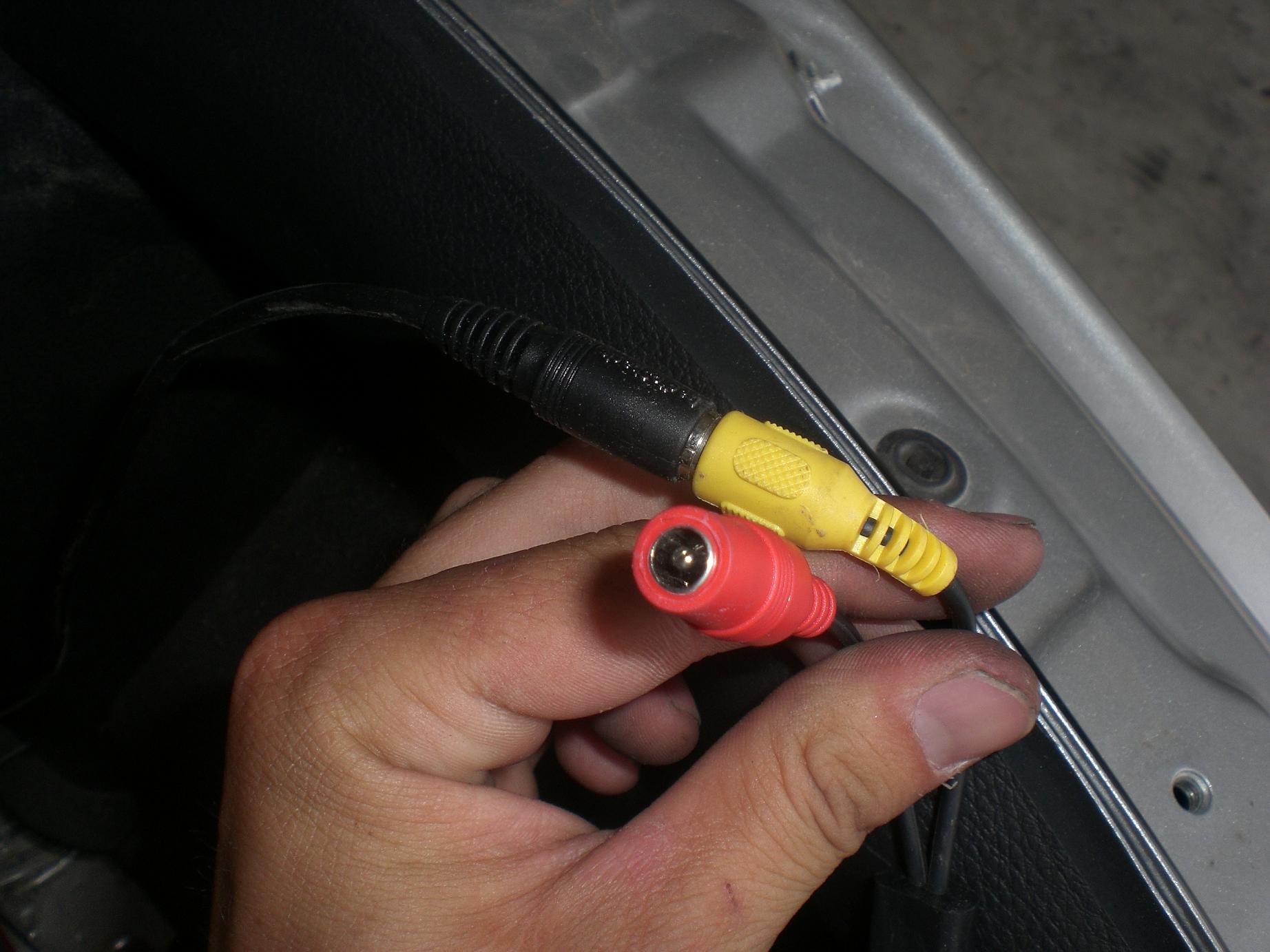
how many wires? what colors? wiring diagram? I see red and yellow, yellow is normally video and red is audio. Can you get a pic of the label on the camera with all the stats?
you know it outputs in pal and not NTSC? It may not work with your headunit.
you know it outputs in pal and not NTSC? It may not work with your headunit.
Thread Starter
Registered User
iTrader: (20)
Joined: Aug 2006
Posts: 567
Likes: 0
From: Paradise Valley, AZ
i have the Panasonic CQVD6503U and its video format is PAL/NTSC
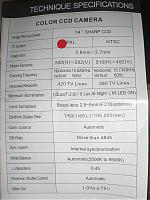
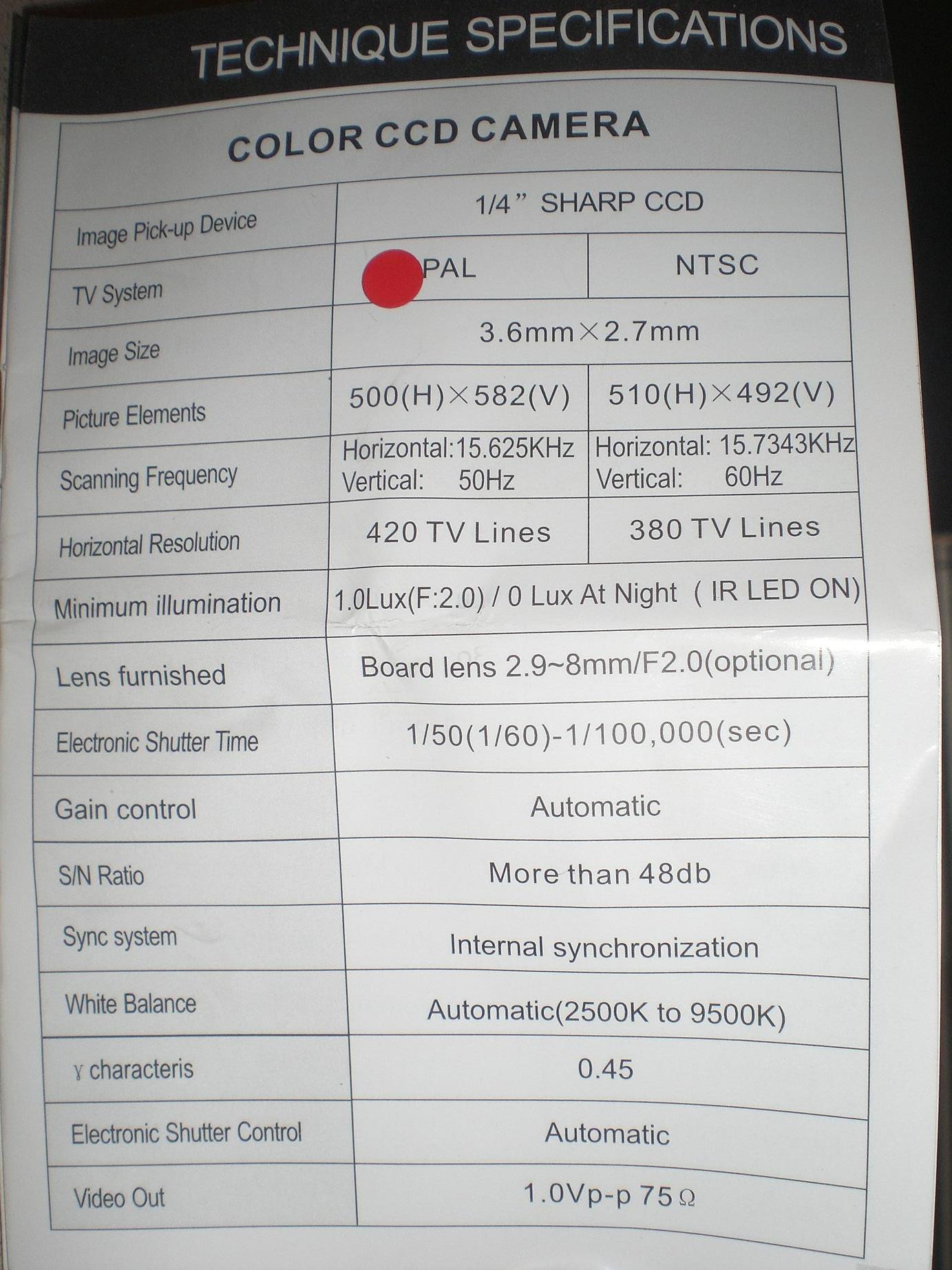
heres the camera's info
these are the only two cables running off the camera. one for video and one for power
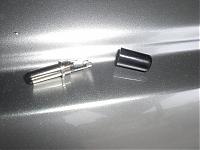
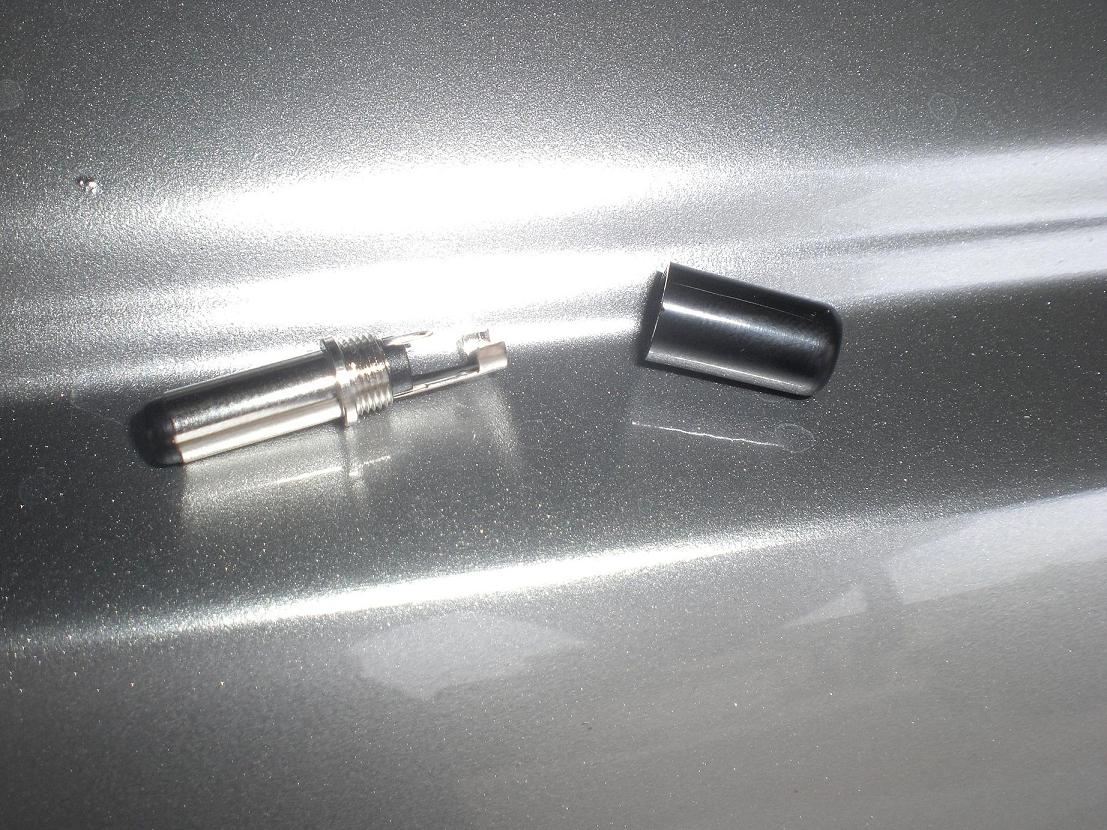
i had to buy an adapter to fit into the plug
heres the camera's info
these are the only two cables running off the camera. one for video and one for power
i had to buy an adapter to fit into the plug
Last edited by JonnyRod; Aug 25, 2007 at 05:15 PM.
Trending Topics

New Member


Joined: Dec 2006
Posts: 7,337
Likes: 204
From: Edina, Minnesota
I notice a dot in the PAL box on the info sheet you posted. I wonder if that indicates you have a PAL TV system and not NTSC. If that's the case, it won't work unless you are able to output PAL on your LCD monitor.
--Spike
--Spike


Thread Starter
Registered User
iTrader: (20)
Joined: Aug 2006
Posts: 567
Likes: 0
From: Paradise Valley, AZ
the red dot is only indicating the the page that the specs of the camera are on. its a booklet with all the cameras that he sells. the dot is just coincidentally on the PAL. like this page...
but i am so confused here. i thought this camera was both PAL and NTSC...which is what my deck says its compatible with. maybe someone can elaborate on these TVsystems or possibly just look up my headunit and tell me if i need to buy a new camera
i have the Panasonic CQVD6503U
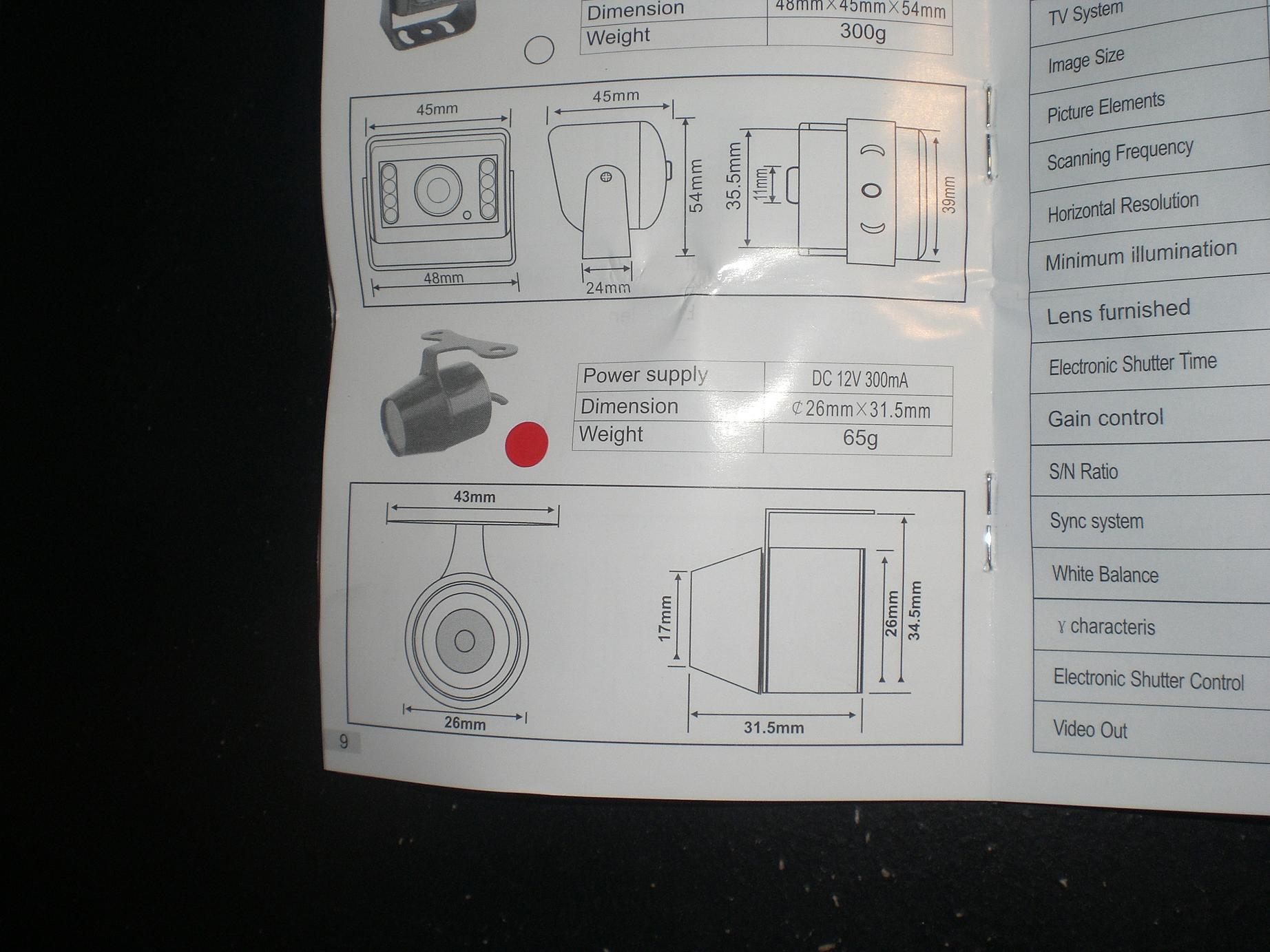
but i am so confused here. i thought this camera was both PAL and NTSC...which is what my deck says its compatible with. maybe someone can elaborate on these TVsystems or possibly just look up my headunit and tell me if i need to buy a new camera
i have the Panasonic CQVD6503U
Thread Starter
Registered User
iTrader: (20)
Joined: Aug 2006
Posts: 567
Likes: 0
From: Paradise Valley, AZ
ok nevermind. i had to go into the menu and turn the camera ON through the headunit. sorry for wastin everybodys time! thanks for all the help though!
but one more question...when a LCD screen says NTSC?PAL Auto Selection...what does that mean?
but one more question...when a LCD screen says NTSC?PAL Auto Selection...what does that mean?
Last edited by JonnyRod; Aug 26, 2007 at 09:55 AM.
New Member
Joined: Dec 2006
Posts: 7,337
Likes: 204
From: Edina, Minnesota
Originally Posted by rs90808
ok nevermind. i had to go into the menu and turn the camera ON through the headunit. sorry for wastin everybodys time! thanks for all the help though!
but one more question...when a LCD screen says NTSC?PAL Auto Selection...what does that mean?
but one more question...when a LCD screen says NTSC?PAL Auto Selection...what does that mean?
The second page you show with the red dot probably corresponds to specifications for the PAL version of this camera.
NTSC and PAL are old standards that define two different analog TV systems. NTSC was adopted for the USA, probably because we were manufacturing sets very early. PAL is used in Europe and Asia. As you see in your first picture of the spec sheets. PAL has more horizontal lines and thus a slightly sharper image. The systems are not compatible. Fortunately your LCD display senses the type of signal and displays the correct system (NTSC or PAL). That's a useful feature that many devices do not have (at least the autosensing feature).
--Spike


Thread
Thread Starter
Forum
Replies
Last Post
Workshop12
Exterior & Interior
256
Mar 23, 2020 01:45 PM
bcoffee20
Zs & Gs For Sale
5
Nov 19, 2015 06:39 PM
