HDR photography.







Registered User
Joined: Feb 2006
Posts: 4,134
Likes: 0
From: Atlanta, Georgia

Man, this HDR stuff is confusing...!
i downloaded photomatix 3 for mac.
i also downloaded Aperture 2 and CS4 for mac.
I have this one RAW picture on my computer with one type of exposure and setting, so i guess maybe i did it the wrong way and didnt do the bracket exposure on my camera.
so here's what i did..i took the RAW pic from my computer and adjust the exposure to -2,-1,0,+1,+2 in aperture 2 program.
and use the photomatix to merge all the duplicate RAW with the exposure settings, as said above.
and i fiddled around with HDR (i have no clue what im doing with it)..so i was looking at the preview screen..and kinda like the adjustment.
so i processed it...
lo and behold, the output was nothing like the desired effect i chose!
oh man..i dunno what to do..im gonna have to learn more about this photomatix and HDR..
i downloaded photomatix 3 for mac.
i also downloaded Aperture 2 and CS4 for mac.
I have this one RAW picture on my computer with one type of exposure and setting, so i guess maybe i did it the wrong way and didnt do the bracket exposure on my camera.
so here's what i did..i took the RAW pic from my computer and adjust the exposure to -2,-1,0,+1,+2 in aperture 2 program.
and use the photomatix to merge all the duplicate RAW with the exposure settings, as said above.
and i fiddled around with HDR (i have no clue what im doing with it)..so i was looking at the preview screen..and kinda like the adjustment.
so i processed it...
lo and behold, the output was nothing like the desired effect i chose!
oh man..i dunno what to do..im gonna have to learn more about this photomatix and HDR..

^Desi, you have to take different exposures on your camera in raw. You can't adjust just one pictures and combine, well you can, but the effects are different.
This might help,
http://www.luminous-landscape.com/tutorials/hdr.shtml
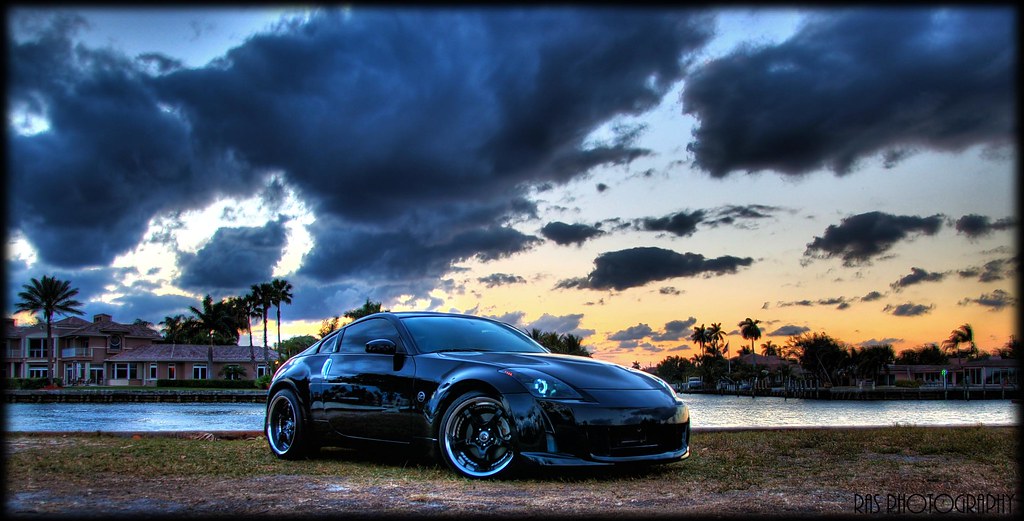
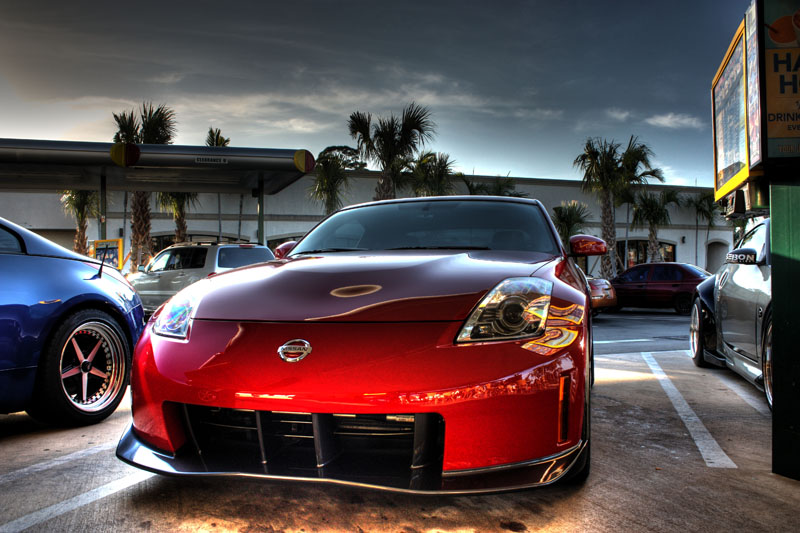
My buddy's dub,

6 or so images.
HDR merge in PS CS3.
Some blending, layering, dodging and burning.
Also desaturating of some colors, yellow parking lines. Also cleaned car of any unwanted reflections, i.e., parking lines and other surrounding light sources.
And to add some reflections, finished off with a touch of Topaz.
This might help,
http://www.luminous-landscape.com/tutorials/hdr.shtml
My buddy's dub,
6 or so images.
HDR merge in PS CS3.
Some blending, layering, dodging and burning.
Also desaturating of some colors, yellow parking lines. Also cleaned car of any unwanted reflections, i.e., parking lines and other surrounding light sources.
And to add some reflections, finished off with a touch of Topaz.

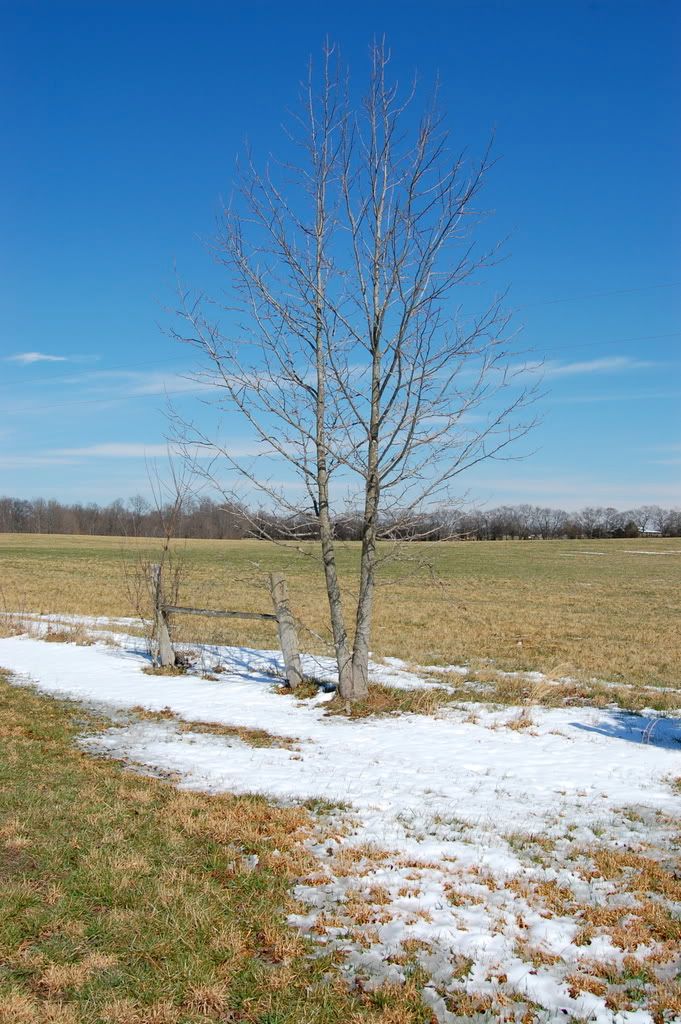
anybody here using a d40? im having problems with pixels in my hdr shots. tried different ways: shooting manually different exposures on the camera, and also taking one shot off my computer and manually adjusting exposure. both look the same, im having problems with pixels showing up. any help anybody?
EXAMPLE: i know the pic sux but it was just a fast exposure setting, -4,-3,-2,-1,0,+1,+2,+3,+4
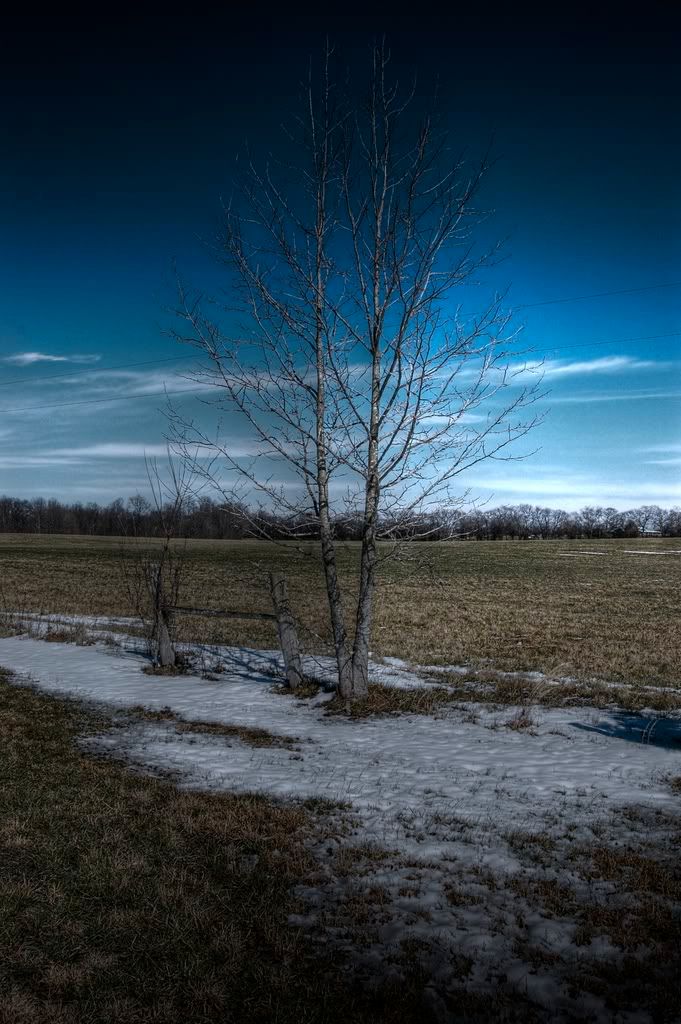
EXAMPLE: i know the pic sux but it was just a fast exposure setting, -4,-3,-2,-1,0,+1,+2,+3,+4
Last edited by Nateclipse; Mar 1, 2009 at 11:54 AM.

 [/IMG]


Seriously these are some of the best HDR's i've seen. HDR done right. Looks so ****in sick. Idk if I missed it but what camera are you using and were these shot in raw? Did you only use photomatix or a combo of photomatix/lightroom/photoshop? Great job


those 3 pictures, and phils last picture, what kind of cameras you guys are using, which lens and how many shots did you take to produce those hdrs? thanks in advance, trying to fix my pc to upload my attempts at hdr
Take care guys
Take care guys