Notices
Photography Techniques, Cameras, Lenses, & Equipment

Finally got some DSLR pics

Thread Tools
 
Search this Thread
 
Old May 31, 2008 | 01:01 AM
  #1  
Zilvia's Avatar
Zilvia
Thread Starter
Registered User
iTrader: (1)
 
Joined: Dec 2005
Posts: 4,205
Likes: 0
From: Lima, Ohio
Default Finally got some DSLR pics

so i was able to borrow my friends Canon Rebel XT this weekend.
i kinda like kinda dont.......

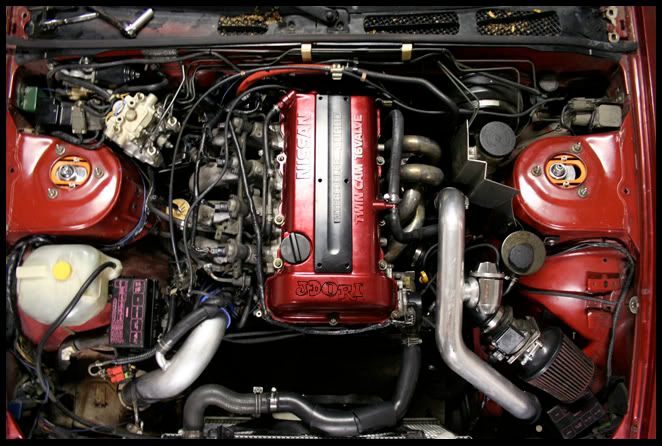
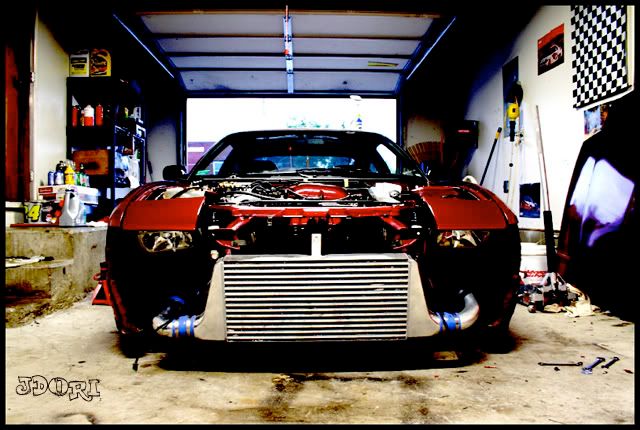
here is the teaser shot for now...i gotta resize the rest.


Question: Okay i have a mac, and the 1st hand ful of pics i took were in RAW format. So i uploaded to my macbook using a usb cable, but i can't do any thing with the images. Is there a way i can convert them to a jpg(already deleted them off the camera)?
Reply
Old May 31, 2008 | 01:37 AM
  #2  
Zilvia's Avatar
Zilvia
Thread Starter
Registered User
iTrader: (1)
 
Joined: Dec 2005
Posts: 4,205
Likes: 0
From: Lima, Ohio
Default

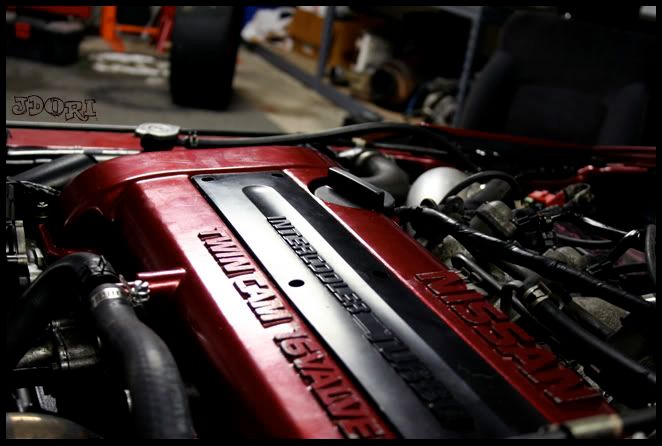
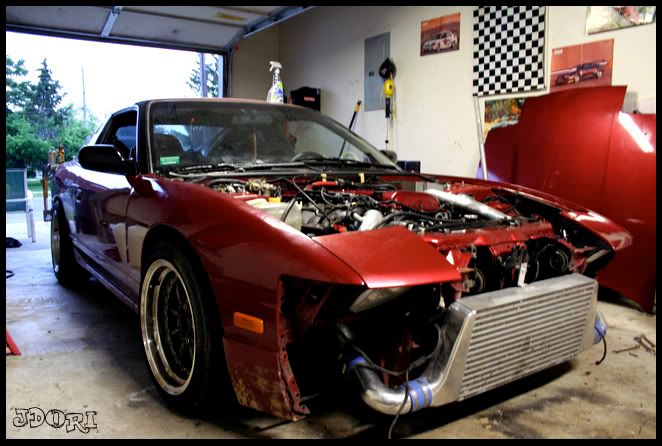
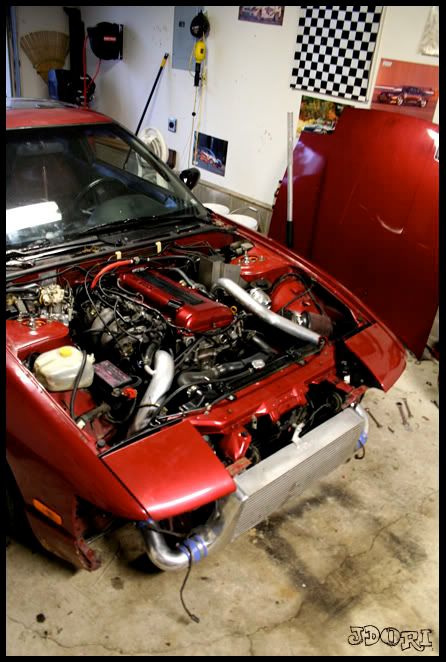
More car shots
1.

2.

3.

4.

5.

Last edited by Zilvia; Jun 1, 2008 at 02:22 PM.
Reply
Old May 31, 2008 | 01:40 AM
  #3  
Zilvia's Avatar
Zilvia
Thread Starter
Registered User
iTrader: (1)
 
Joined: Dec 2005
Posts: 4,205
Likes: 0
From: Lima, Ohio
Default

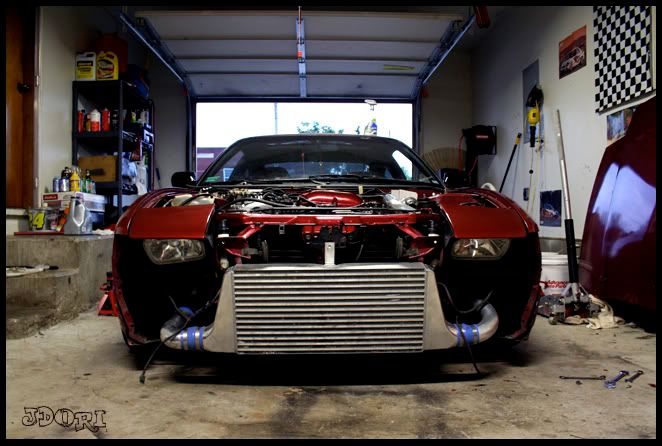
moar.....just random
6.

7.

8.

9.


any tips..... any advice on recovering the raw files so i can resize them and post them...... C&C

Last edited by Zilvia; Jun 1, 2008 at 02:22 PM.
Reply
Old May 31, 2008 | 09:31 AM
  #4  
ZR_Yancy's Avatar
ZR_Yancy
Registered User
 
Joined: Nov 2007
Posts: 2,962
Likes: 0
From: USA
Default

Great shots!! You can convert the RAW files to jpg in CS3. If you don't have CS3 or similar app, you can download "RAW Photo Processor" for mac to convert the photos.
Reply
Old May 31, 2008 | 09:47 AM
  #5  
Zilvia's Avatar
Zilvia
Thread Starter
Registered User
iTrader: (1)
 
Joined: Dec 2005
Posts: 4,205
Likes: 0
From: Lima, Ohio
Default

bump
Reply
Old May 31, 2008 | 09:48 AM
  #6  
Zilvia's Avatar
Zilvia
Thread Starter
Registered User
iTrader: (1)
 
Joined: Dec 2005
Posts: 4,205
Likes: 0
From: Lima, Ohio
Default

Originally Posted by ZR_Yancy
Great shots!! You can convert the RAW files to jpg in CS3. If you don't have CS3 or similar app, you can download "RAW Photo Processor" for mac to convert the photos.

I take it C2 can't do it.....

i'll try the raw photo processor 1st. thanks
Reply
Old May 31, 2008 | 09:54 AM
  #7  
ZR_Yancy's Avatar
ZR_Yancy
Registered User
 
Joined: Nov 2007
Posts: 2,962
Likes: 0
From: USA
Default

Originally Posted by Zilvia
I take it C2 can't do it.....

i'll try the raw photo processor 1st. thanks
You can do it in CS2 but you have to download the plugin from Adobe. Just make sure the plugin is for CS2 & not CS3.
Reply
Old May 31, 2008 | 10:48 AM
  #8  
Zilvia's Avatar
Zilvia
Thread Starter
Registered User
iTrader: (1)
 
Joined: Dec 2005
Posts: 4,205
Likes: 0
From: Lima, Ohio
Default

i found the Raw processor, took me a min to get the hang, but i like it. Thanks

here are a few more
10.

11.

12.

13.

14.

Last edited by Zilvia; Jun 1, 2008 at 02:23 PM.

Reply
Old May 31, 2008 | 01:59 PM
  #9  
J_Dizzle's Avatar
J_Dizzle
southcentral>me
Premier Member
iTrader: (13)
 
Joined: Oct 2007
Posts: 7,453
Likes: 0
From: on da streets in MS
Default

i like em
Reply
Old May 31, 2008 | 02:15 PM
  #10  
plumpzz's Avatar
plumpzz
New Member
iTrader: (10)
 
Joined: May 2005
Posts: 7,146
Likes: 0
From: Jersey, New
Default

what lens?
Reply
Old May 31, 2008 | 06:31 PM
  #11  
Zilvia's Avatar
Zilvia
Thread Starter
Registered User
iTrader: (1)
 
Joined: Dec 2005
Posts: 4,205
Likes: 0
From: Lima, Ohio
Default

18-55mm
Reply
Old Jun 1, 2008 | 07:32 AM
  #12  
Zilvia's Avatar
Zilvia
Thread Starter
Registered User
iTrader: (1)
 
Joined: Dec 2005
Posts: 4,205
Likes: 0
From: Lima, Ohio
Default

bump....no C&C ... no more tips

Reply
Old Jun 1, 2008 | 07:53 AM
  #13  
ZR_Yancy's Avatar
ZR_Yancy
Registered User
 
Joined: Nov 2007
Posts: 2,962
Likes: 0
From: USA
Default

... you can ask the doctor:

https://my350z.com/forum/photography/357766-picture-doctor-thread.html
Reply
Old Jun 1, 2008 | 09:09 AM
  #14  
J_Dizzle's Avatar
J_Dizzle
southcentral>me
Premier Member
iTrader: (13)
 
Joined: Oct 2007
Posts: 7,453
Likes: 0
From: on da streets in MS
Default

put some numbers above your pics so we wont get so confused when we talk about certain ones.
Reply
Old Jun 1, 2008 | 12:30 PM
  #15  
UofA350Z's Avatar
UofA350Z
Registered User
iTrader: (9)
 
Joined: Sep 2005
Posts: 1,556
Likes: 1
From: Birmingham, AL
Default

Pics look good.
Reply
Old Jun 1, 2008 | 12:42 PM
  #16  
ctwentytwo's Avatar
ctwentytwo
Registered User
iTrader: (9)
 
Joined: Dec 2003
Posts: 2,069
Likes: 1
From: Waipahu HI; Phoenix AZ
Default

Great lighting on the guns... I don't know if you got lucky or you knew what you were doing. My only advice is to keep up the good work... lets see more pics.
Reply
Old Jun 1, 2008 | 02:21 PM
  #17  
Zilvia's Avatar
Zilvia
Thread Starter
Registered User
iTrader: (1)
 
Joined: Dec 2005
Posts: 4,205
Likes: 0
From: Lima, Ohio
Default

only got a few more...but i was being sloppy so they need editing.

unfortunately my friend need his camera back yesteday so i'll have to borrow it again or wait till i get my D40 soon.
Reply
Old Jun 1, 2008 | 02:23 PM
  #18  
Zilvia's Avatar
Zilvia
Thread Starter
Registered User
iTrader: (1)
 
Joined: Dec 2005
Posts: 4,205
Likes: 0
From: Lima, Ohio
Default

Originally Posted by ctwentytwo
Great lighting on the guns... I don't know if you got lucky or you knew what you were doing. My only advice is to keep up the good work... lets see more pics.
a lil of both i guess
Reply
Old Jun 1, 2008 | 02:31 PM
  #19  
J_Dizzle's Avatar
J_Dizzle
southcentral>me
Premier Member
iTrader: (13)
 
Joined: Oct 2007
Posts: 7,453
Likes: 0
From: on da streets in MS
Default

it looks to me like the ones of the car are a little blurry, kinda like it was dark and you werent using a tripod and you moved. and 6, 9, 11 and 12 i really like
Reply
Old Jun 1, 2008 | 08:17 PM
  #20  
Zilvia's Avatar
Zilvia
Thread Starter
Registered User
iTrader: (1)
 
Joined: Dec 2005
Posts: 4,205
Likes: 0
From: Lima, Ohio
Default

yea i wouldn't doubt it ... it was decently dark and i didn't have my tripod.
Reply


All times are GMT -8. The time now is 05:54 PM.