


I have PS CS2 - how do I resize an image?


Thread Starter
Registered User
iTrader: (11)
Joined: Apr 2006
Posts: 1,145
Likes: 0
From: SF South Bay area
 I have PS CS2 - how do I resize an image?
OK, I am a PS noob and a z noob . I took pics with my digi-cam, but they are about 3Mb apiece. How do I resize using Photoshop? It's not exactly intuitive, at least not for me. I could RTFM, but it's huge, I am lazy, and I want to post pics.
Thanks!
. I took pics with my digi-cam, but they are about 3Mb apiece. How do I resize using Photoshop? It's not exactly intuitive, at least not for me. I could RTFM, but it's huge, I am lazy, and I want to post pics.Thanks!
You should also take a look at: http://www.adobe.com/support/techdocs/331327.html
Photoshop is not supposed to be intuitive since it is made for professionals and for power, not ease of use. It's pretty much overkill (in features and price) for basic photo editing (I don't know about CS2 but notice in earlier versions, there is no one-step red eye remover) which is why Adobe also created Photoshop Elements. HTH.
Photoshop is not supposed to be intuitive since it is made for professionals and for power, not ease of use. It's pretty much overkill (in features and price) for basic photo editing (I don't know about CS2 but notice in earlier versions, there is no one-step red eye remover) which is why Adobe also created Photoshop Elements. HTH.

Just saving as a jpeg may not do it. Go to Image -> Image Size and first see what the resolution is. Anything for the web should be 72 pixels per inch, so change it if it's not (make sure the Resample Image box is checked). You'll also be able to see the pixel dimensions of the image here, which you can scale down accordingly if the image is still too large at 72 dpi. Hope this helps . . .

Registered User
Joined: May 2006
Posts: 103
Likes: 0
From: Fontana, Californ-I-A(Socal)
Actually, turning into to jpg will dramatically drop the filesize. Most of my pictures with my camera are so good of a quality, they hit the MB's. However, when I save them as a jpg, they're reduced to the mid KB's, sometimes low.
However, if you need to resize the actual image (Not file size wise) -- Use what jetspank said.
However, if you need to resize the actual image (Not file size wise) -- Use what jetspank said.
To save any image for the web in photoshop (6 or later) press shift-ctrl-alt-s (you mac folx are on your own). This is the save for web command. It will automatically make your image 72 dpi. You can then resize the image to whatever pixel width/height as well as choose between gif/jpg (and now maybe even png) as well as set any options such as quality, dithering, etc. You also get a nice preview window so you can compare the original to the web version.
Trending Topics


Thread Starter
Registered User
iTrader: (11)
Joined: Apr 2006
Posts: 1,145
Likes: 0
From: SF South Bay area
If you have not seen my other post already...
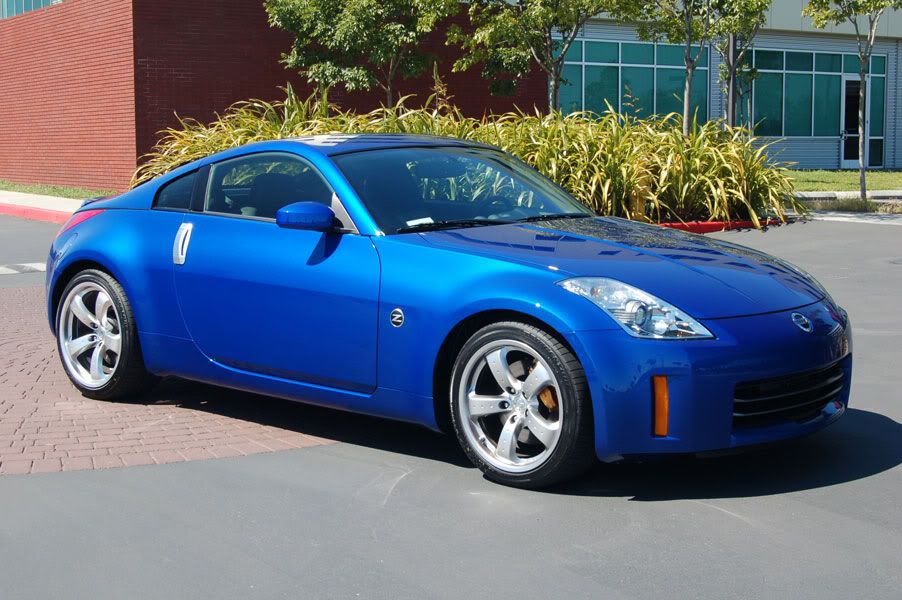
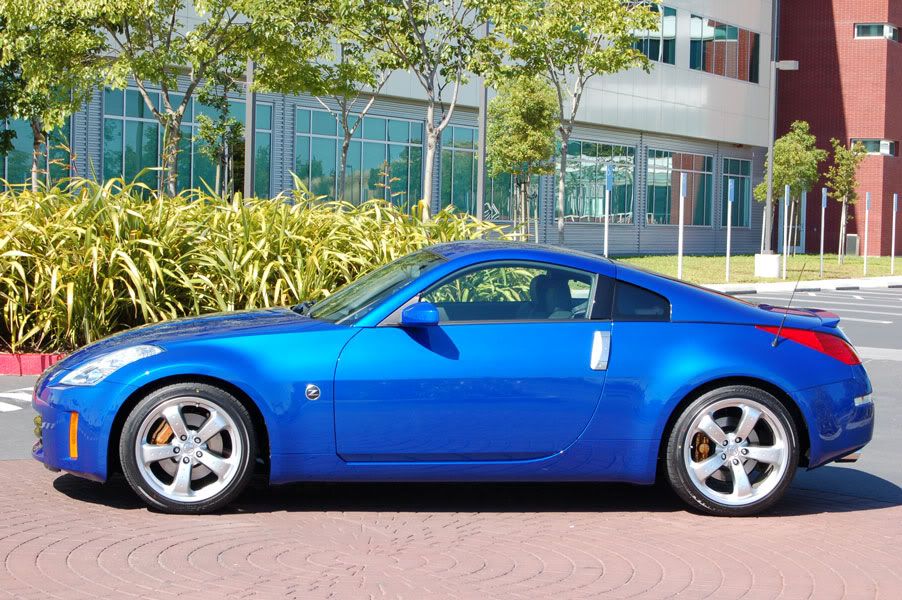
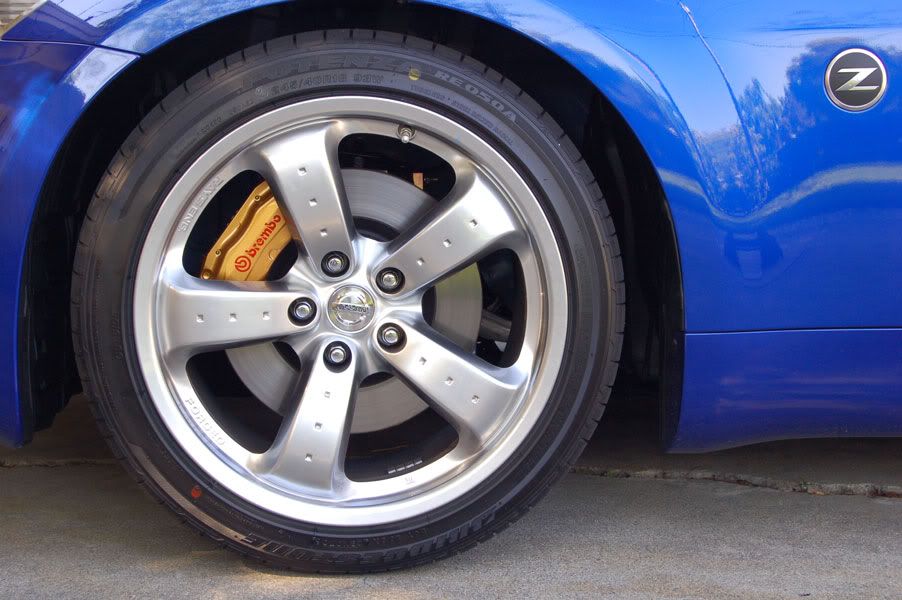
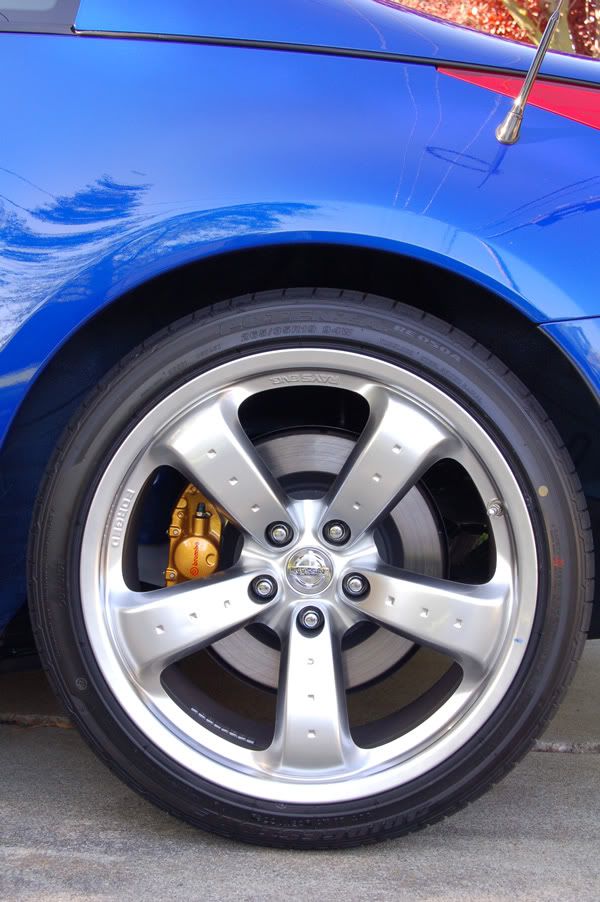
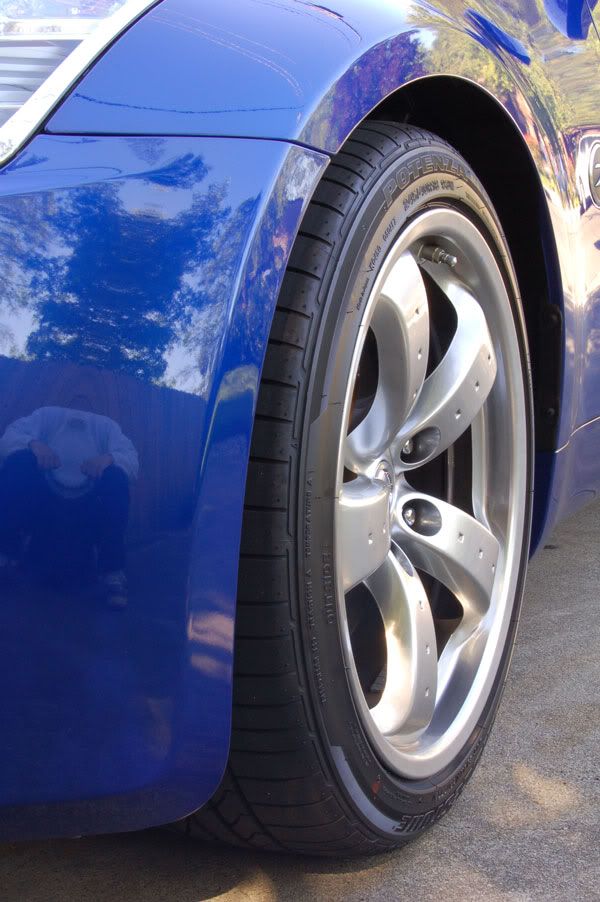
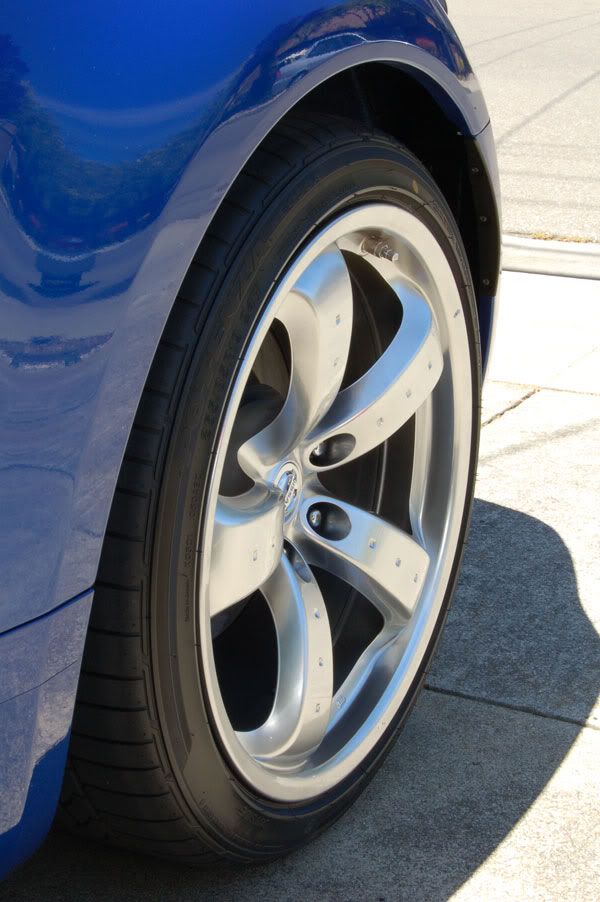
Pick taken with Nikon D50; untouched except for resize.
I am already wishing I had the D200. D200 has easisr access to the manual controls. Went off of fully auto controls after a couple of weeks. These are all shot in manual....
Also wish for a sharper zoom lens than the 18-55. It is good for close-ups, but at any distance, things don't seem as sharp as they should be. Tough to tell here since these are all compressed jpeg...

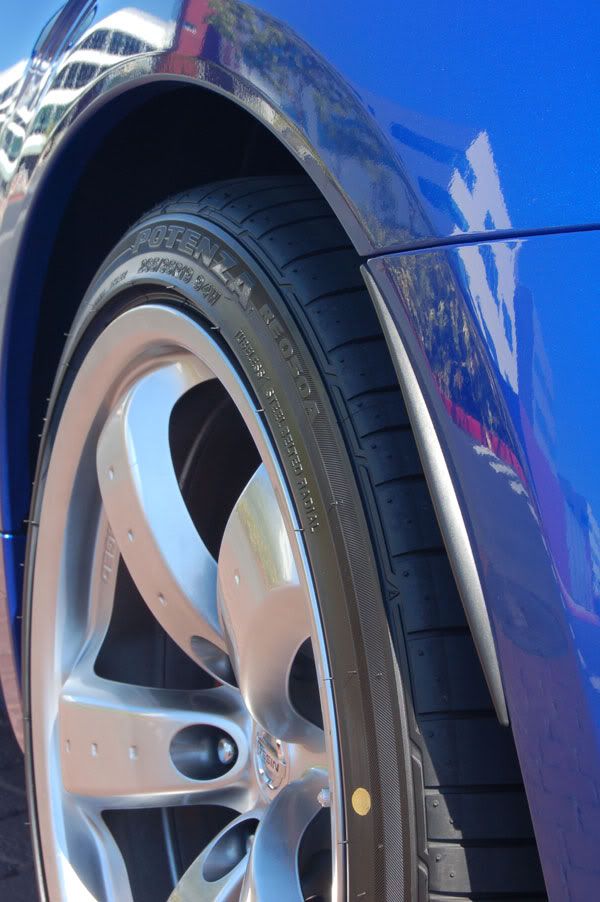
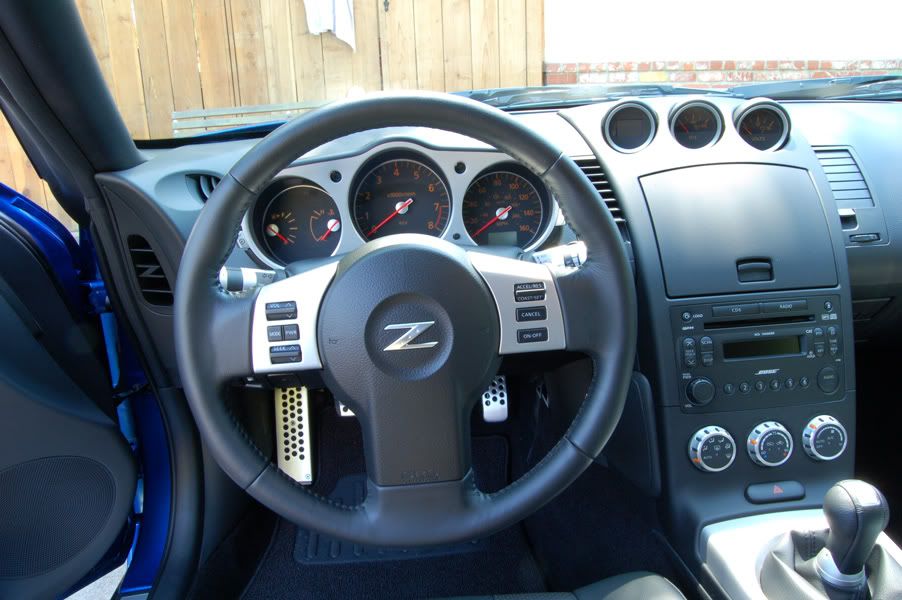
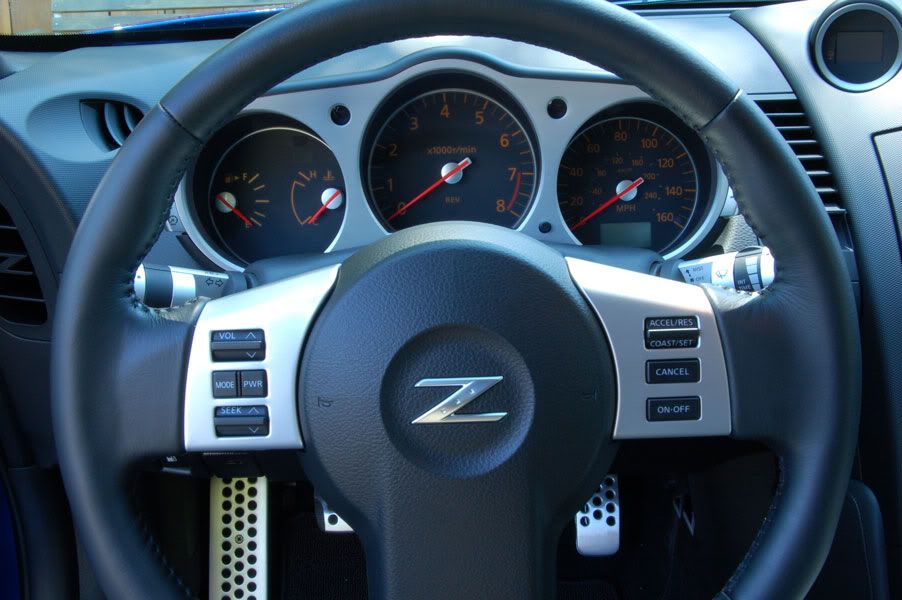 [/QUOTE]
I am already wishing I had the D200. D200 has easisr access to the manual controls. Went off of fully auto controls after a couple of weeks. These are all shot in manual....
Also wish for a sharper zoom lens than the 18-55. It is good for close-ups, but at any distance, things don't seem as sharp as they should be. Tough to tell here since these are all compressed jpeg...
[/QUOTE]

Thread
Thread Starter
Forum
Replies
Last Post
Dark Knight
Wheels Tires
7
Nov 11, 2015 08:40 PM